Quick start
Five things to remember. That’s it.
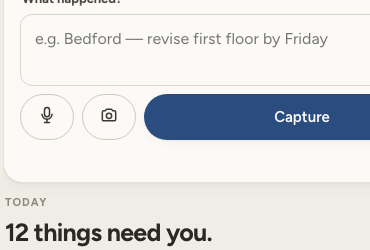
Capture what happened
Say it or type it naturally, then tap Capture. You do not need to organize it first.
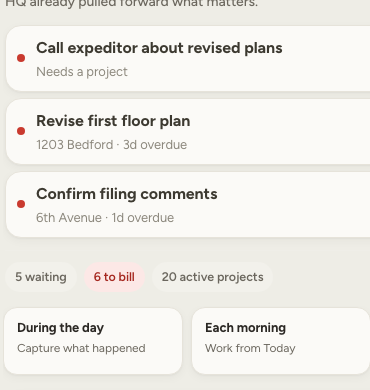
Check what needs you
Open Today. Overdue and urgent work is already pulled to the top.
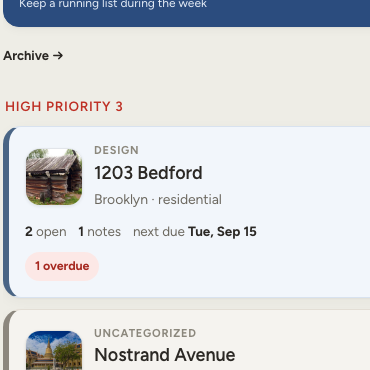
Open the project
Find a job by name or photo. High-priority and time-sensitive projects rise first.
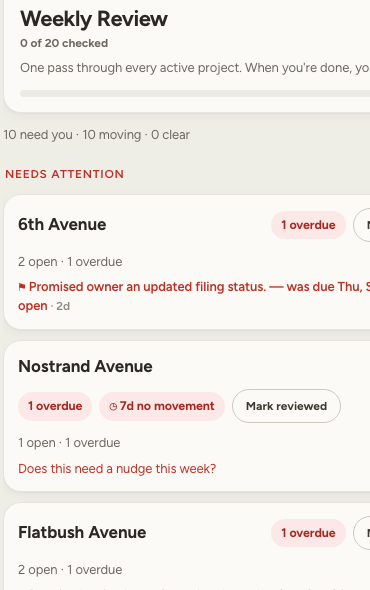
Run Weekly Review
Go through active projects once, mark them reviewed, and move on.
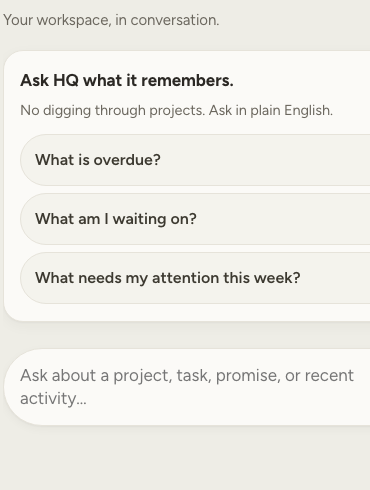
Ask in plain English
Ask about your work and get a straight answer. Ask HQ is read-only — it does not change your projects.
New in this update
Your requested updates — plus one useful extra.
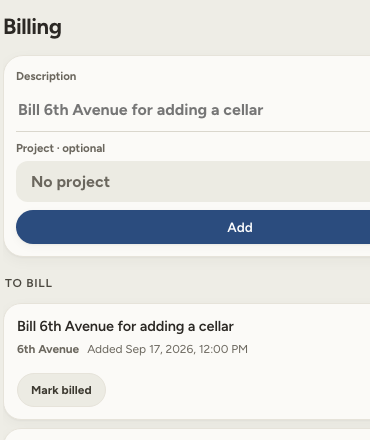
Keep a running to-bill list, optionally attach an item to a project, and mark it billed when handled.
Fix or reword an existing task after you save it.
Project categories are easier to recognize at a glance.
Add a project photo once. The photo stays with that job and becomes its visual identity in Projects.